

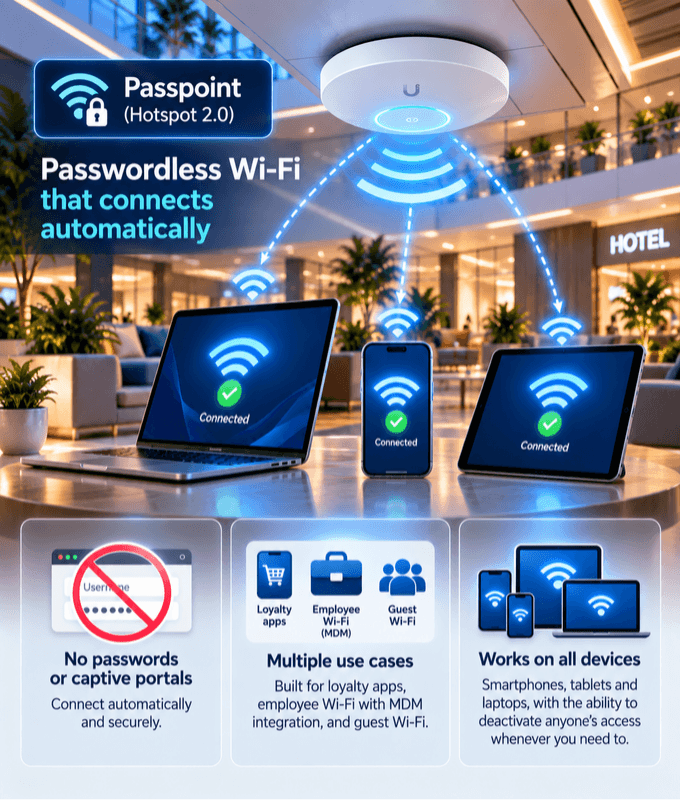
Passwordless Wi-Fi that connects automatically
Users connect securely without typing a password or signing in through a captive portal.
Built for loyalty apps, employee Wi-Fi with MDM integration, and guest Wi-Fi.
Works on smartphones, tablets and laptops, and you can deactivate anyone's access whenever you need to.
Public Wi-Fi with enterprise-grade security
Passwordless Login
No Wi-Fi password to share or type, and no captive portal to sign in through.
Automatic Connection
Once a device has its Passpoint profile, it joins your Wi-Fi automatically whenever it's in range.
Enterprise-Grade Security
Every connection is authenticated and encrypted with WPA2/WPA3-Enterprise, unlike open guest networks.
One Profile, Every Location
The same profile works across all your sites, so users connect automatically wherever you have Wi-Fi.
Deactivate Anytime
Revoke a guest's or employee's access whenever you need to, and their device stops connecting.
Every Device Type
Smartphones, tablets and laptops all connect the same way, with one consistent experience.
One technology, many use cases
Passpoint fits wherever people need Wi-Fi that just works, securely.
Loyalty Programs & Mobile Apps
Build Passpoint into your mobile app so loyalty members connect to your Wi-Fi automatically every time they visit, with no sign-in.
Employee Wi-Fi
Push Passpoint profiles to company devices through your MDM solution, so staff connect securely without sharing or typing passwords.
Guest Wi-Fi
Give guests secure, automatic Wi-Fi for their visit, and deactivate their access whenever you need to.
Carrier Wi-Fi Offload
Let mobile operators' subscribers connect to your venue's Wi-Fi automatically and securely.
Smartphones
Tablets
Laptops
Other Passpoint Devices
Set up once, connected every time
Works on smartphones, tablets, laptops and other devices that support Passpoint.
Install the Passpoint profile once, through your mobile app or MDM solution, and the device connects automatically from then on.
Your access points need to support Passpoint too. See supported hardware
Companies all over the world are using our products and services



































Frequently Asked Questions
Common questions about our Passpoint services.
What is Passpoint (Hotspot 2.0)?
Passpoint, also known as Hotspot 2.0, is a Wi-Fi Alliance standard that lets devices find and join Wi-Fi networks automatically and securely, using a profile installed on the device instead of a password or captive portal.
How do users get connected?
A Passpoint profile is installed on the device once, for example through your mobile app or your MDM solution. From then on, the device connects automatically whenever it's in range of your Wi-Fi.
Can Passpoint work with our loyalty app?
Yes. Passpoint is ideal for loyalty programs: build it into your mobile app and members connect to your Wi-Fi automatically every time they visit, with no sign-in.
Can we use Passpoint for employee Wi-Fi?
Yes. Passpoint integrates with MDM solutions, so you can push profiles to company devices and staff connect securely without a shared password.
Which devices does Passpoint work on?
Smartphones, tablets, laptops and other devices that support Passpoint.
Can I remove someone's access?
Yes. Guests and employees can be deactivated whenever you need to, and their devices stop connecting.
Is Passpoint secure?
Yes. Every connection is authenticated and encrypted with WPA2/WPA3-Enterprise, so it's far more secure than an open guest network or a shared password.
Do I need new hardware?
Not necessarily. Your access points need to support Passpoint, and many enterprise-grade access points already do. Check our supported hardware or ask us about your equipment.